Sample loading
Location
TITAN:
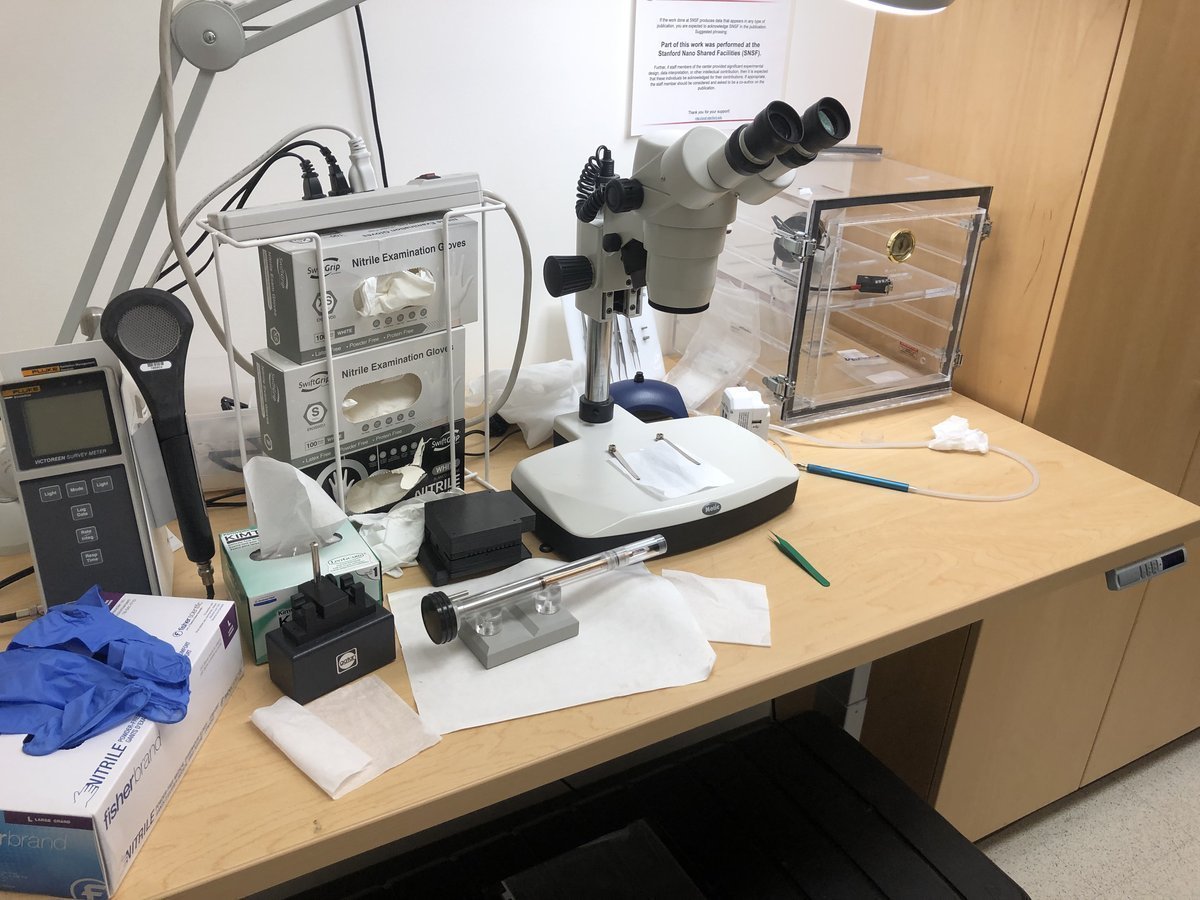
Sample loading is done outside of the room where Titan is hosted:
Spectra 300:
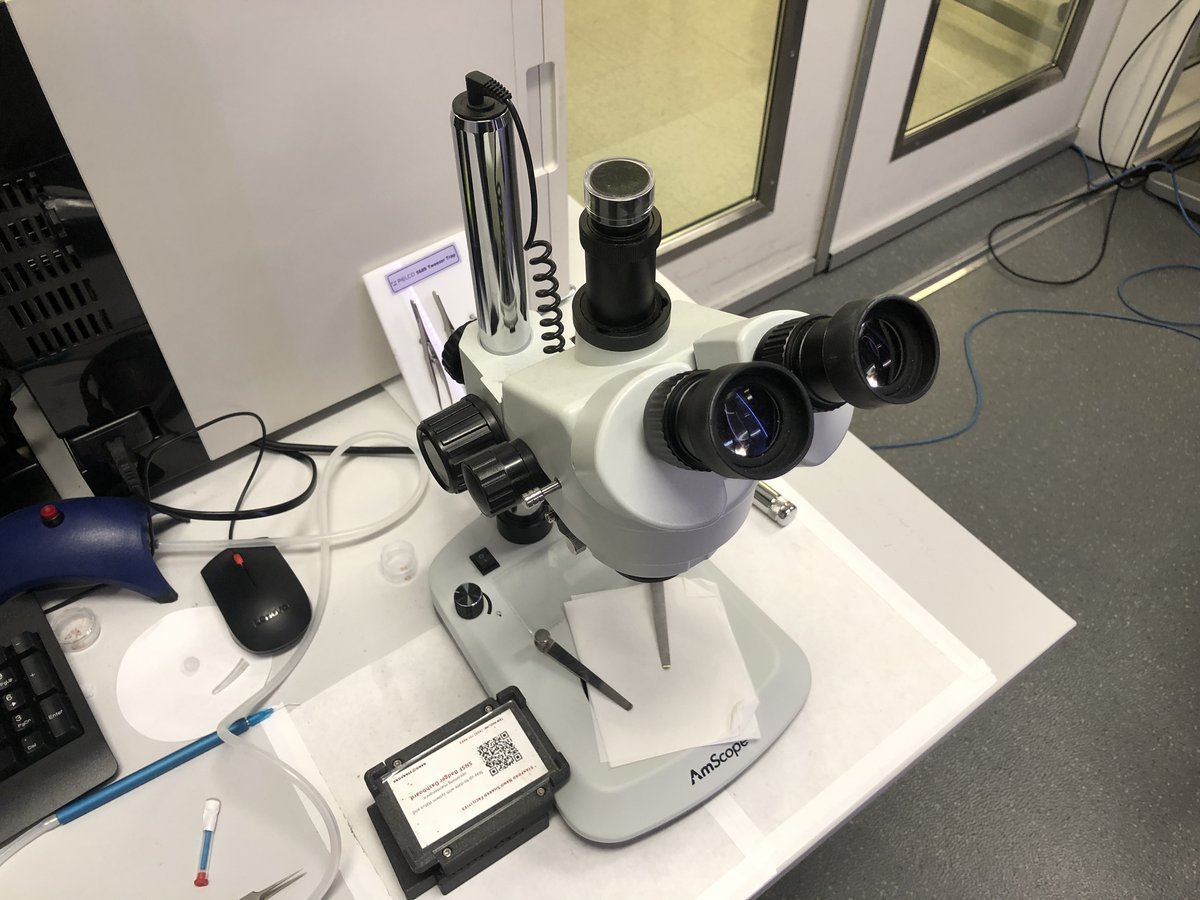
Sample loading can be done inside the Spectra room:
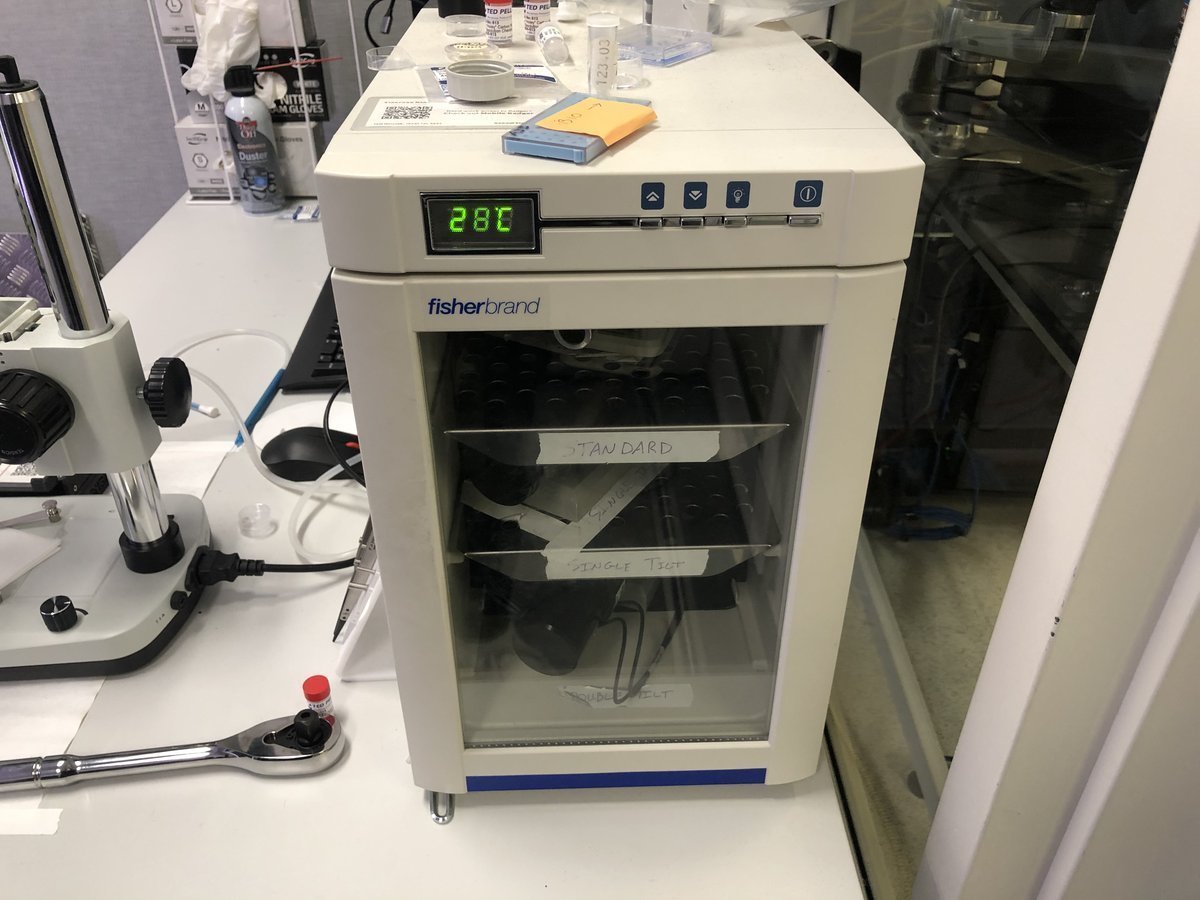
Sample holders are stored here at room temperature:
Single-tilt holder
Load sample:
FIXME: use technical terms for these objects… “pin” or “clip”?
-
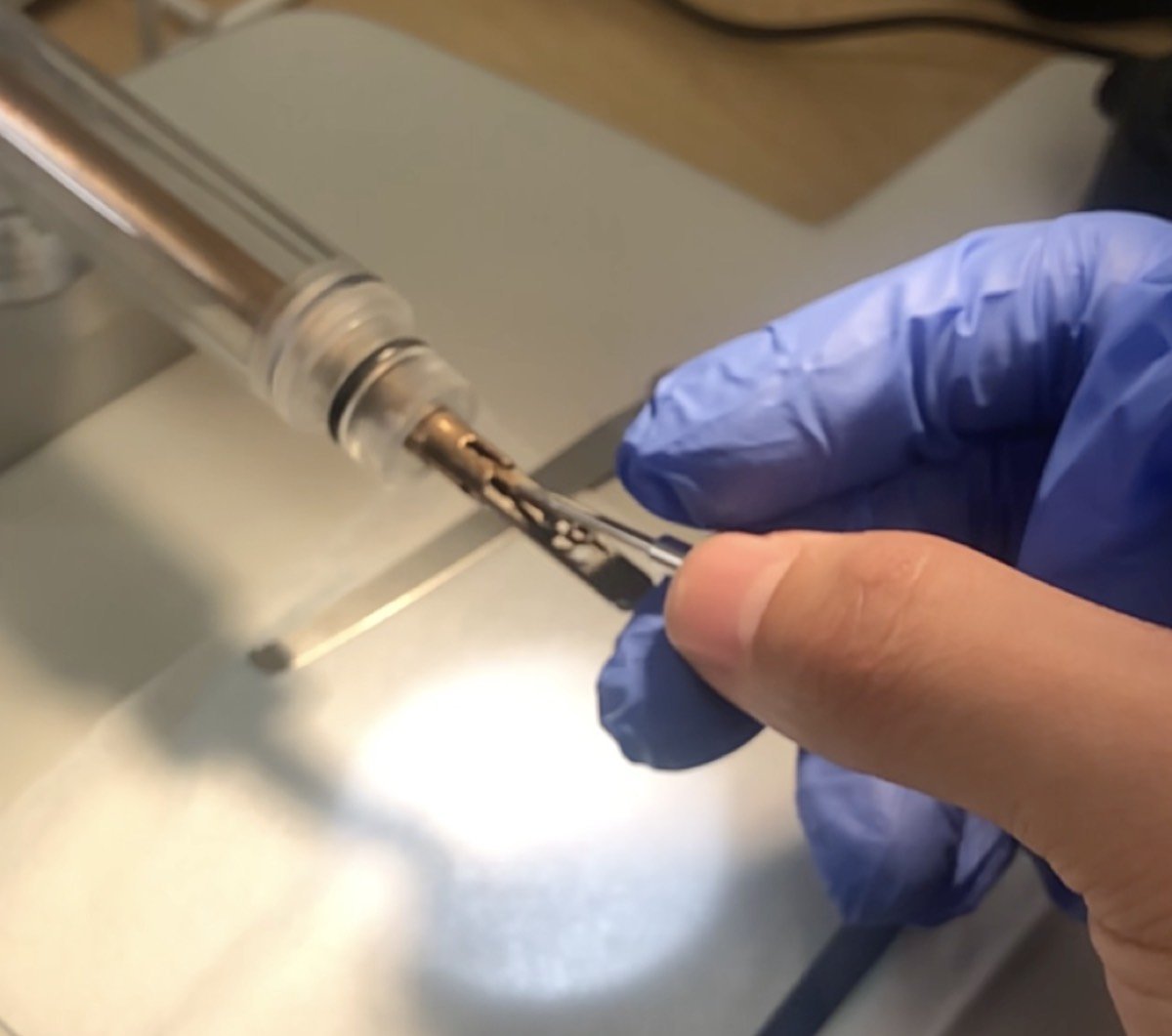
Push the pin inside the tiny hole shown below:
-
Lift the clip gently:
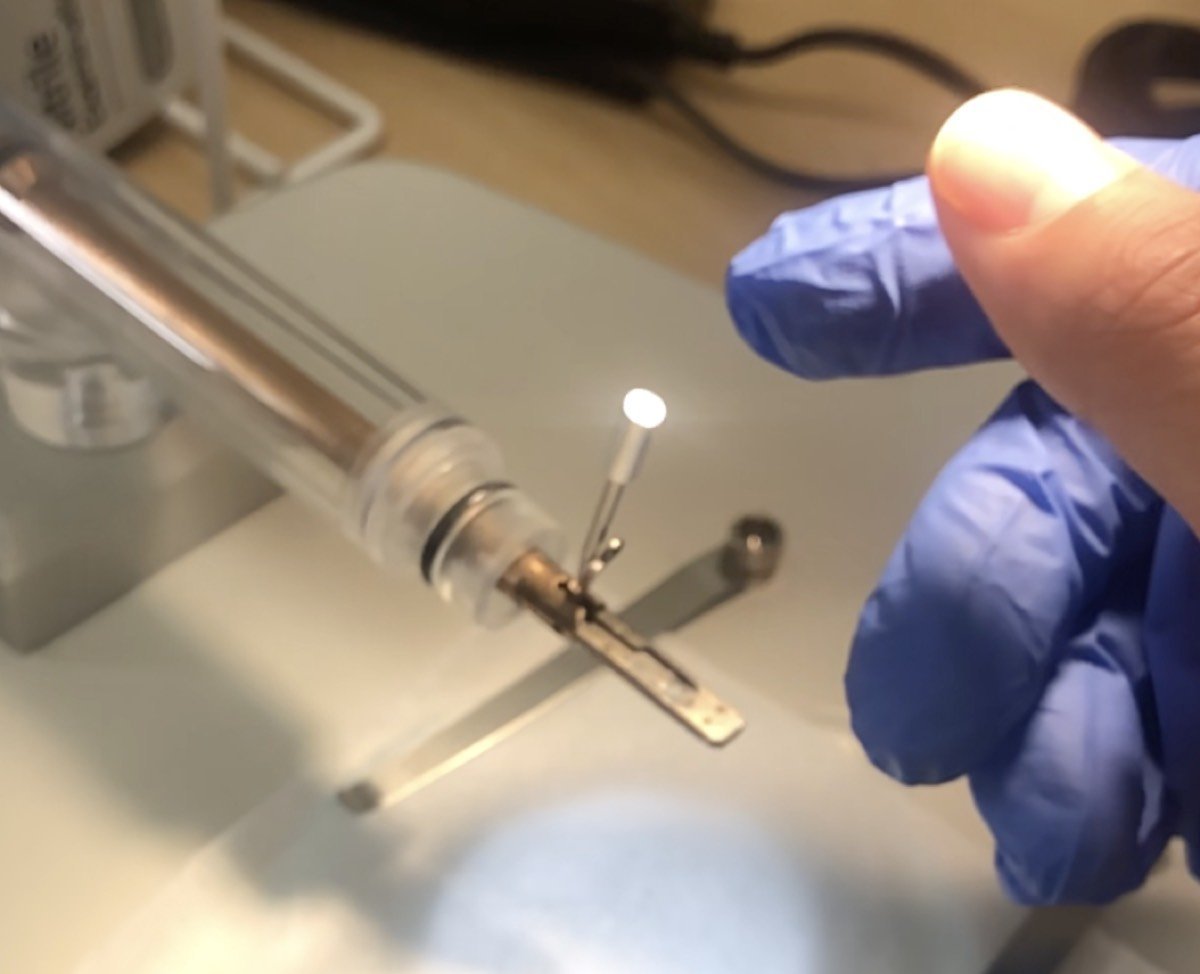
-
If using a copper grid, pinch the tip of the copper grid
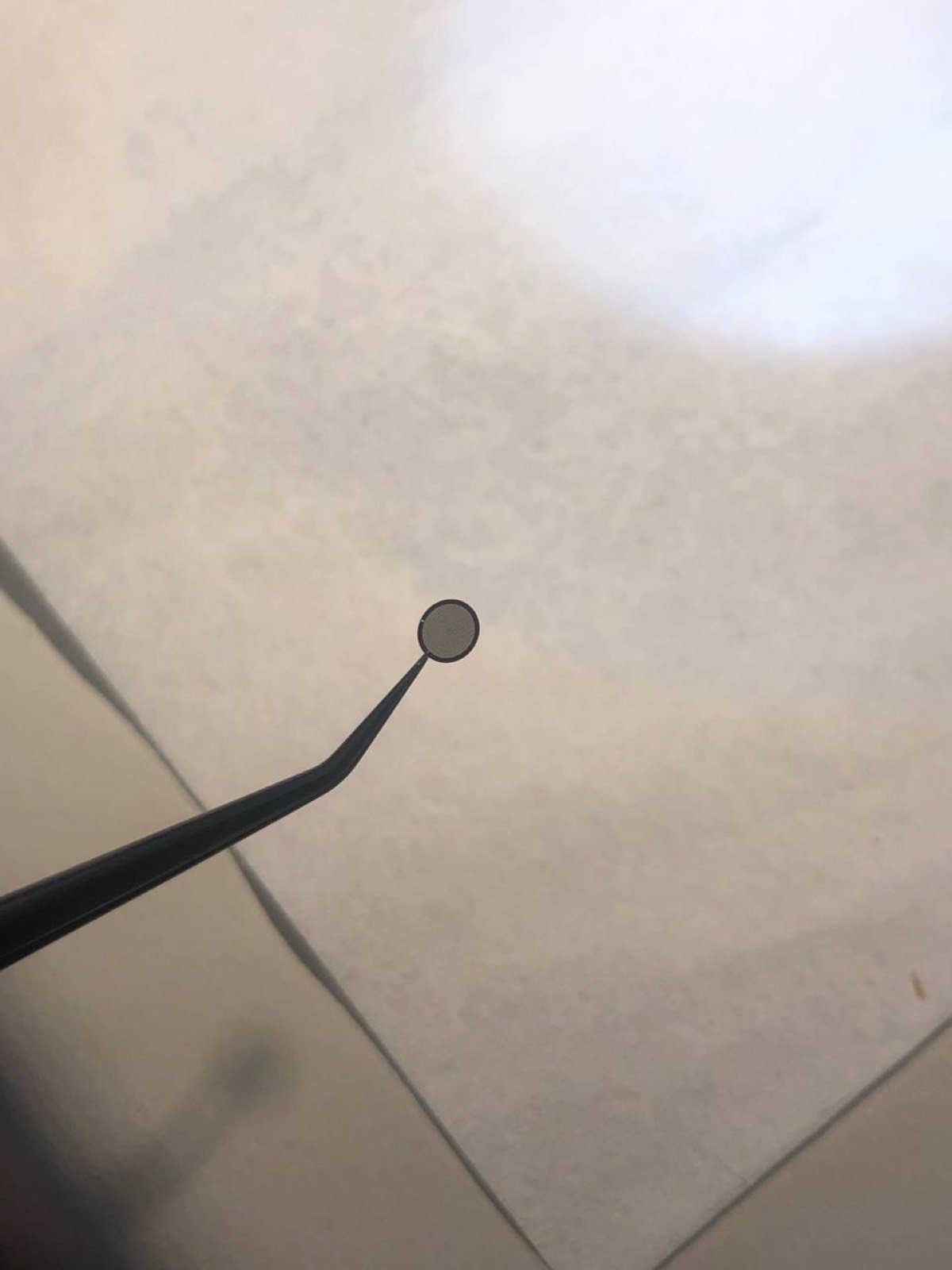
-
Place the sample, shiny side up for the standard sample
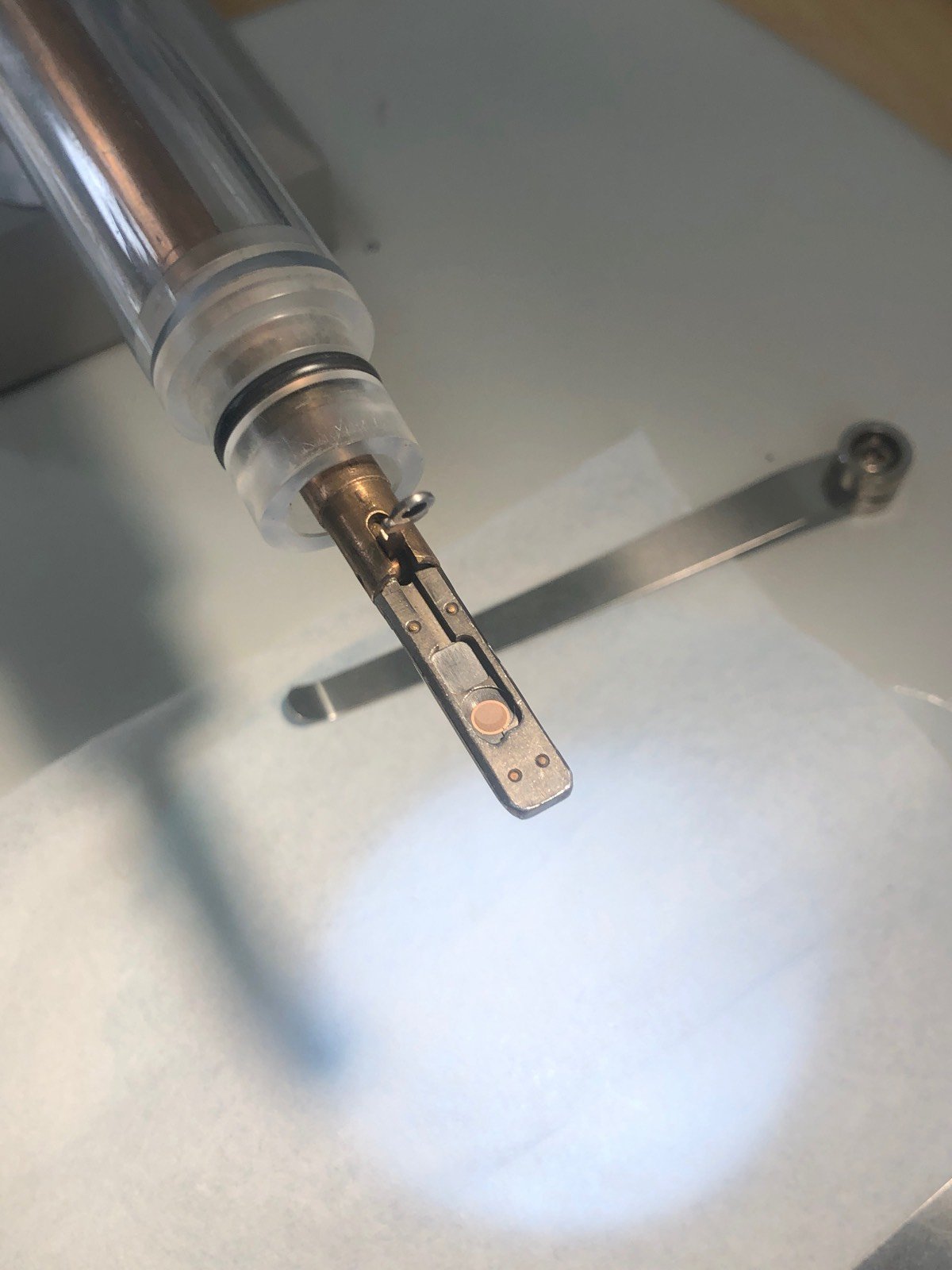
Double-tilt holder
Load sample:
-
Load the sample and washer (gold donut):
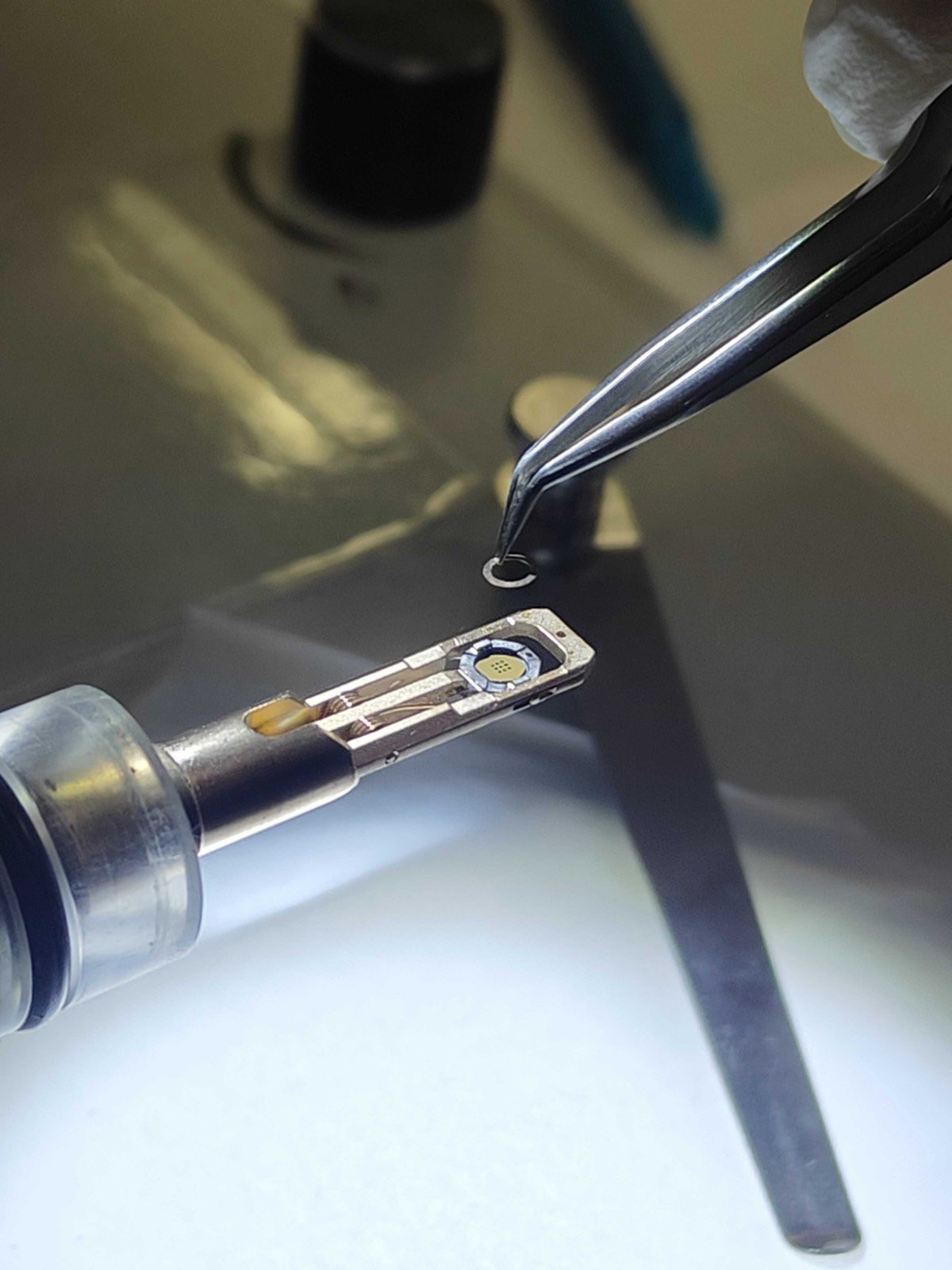
-
Add the cap and rotate the holder about the long axis to ensure the sample is secure:
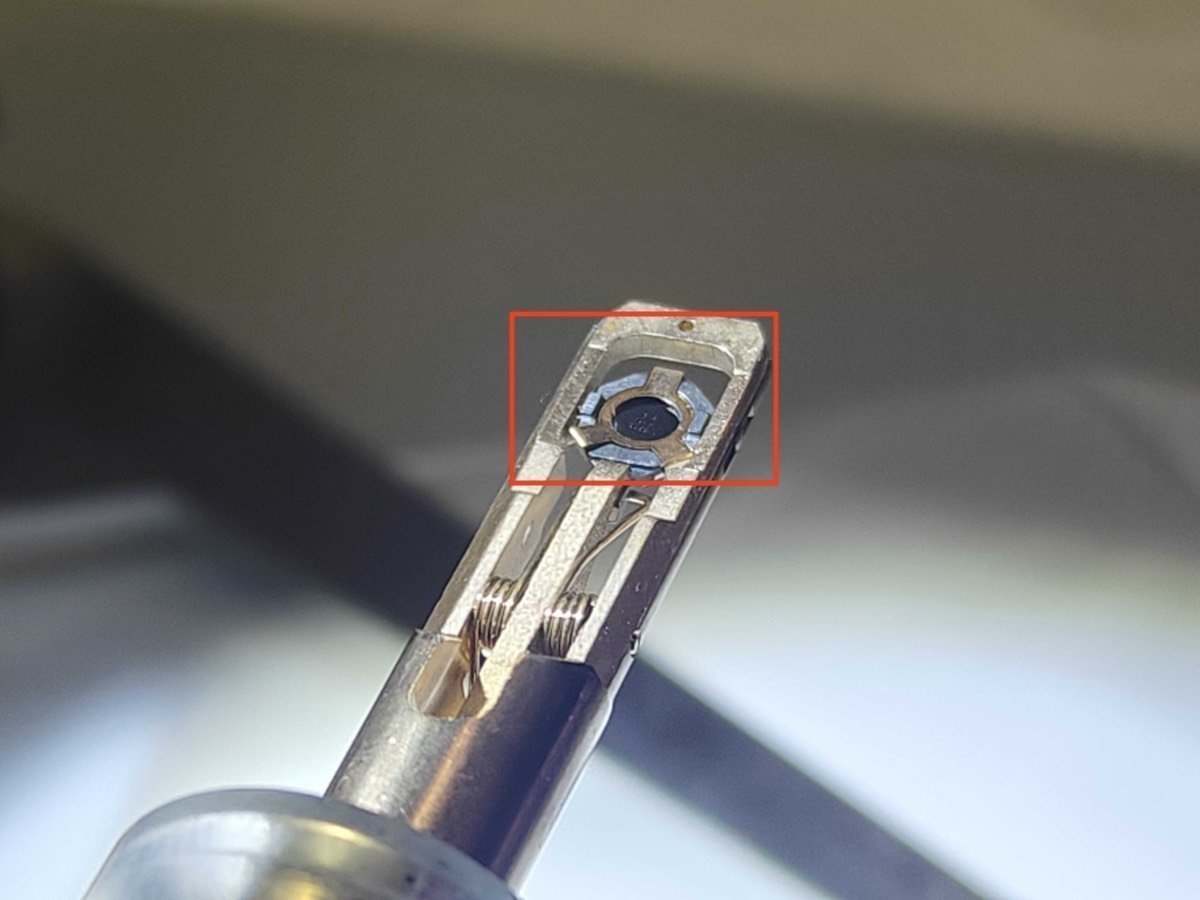
Unload sample:
-
Press down the very small hole gently as shown below:
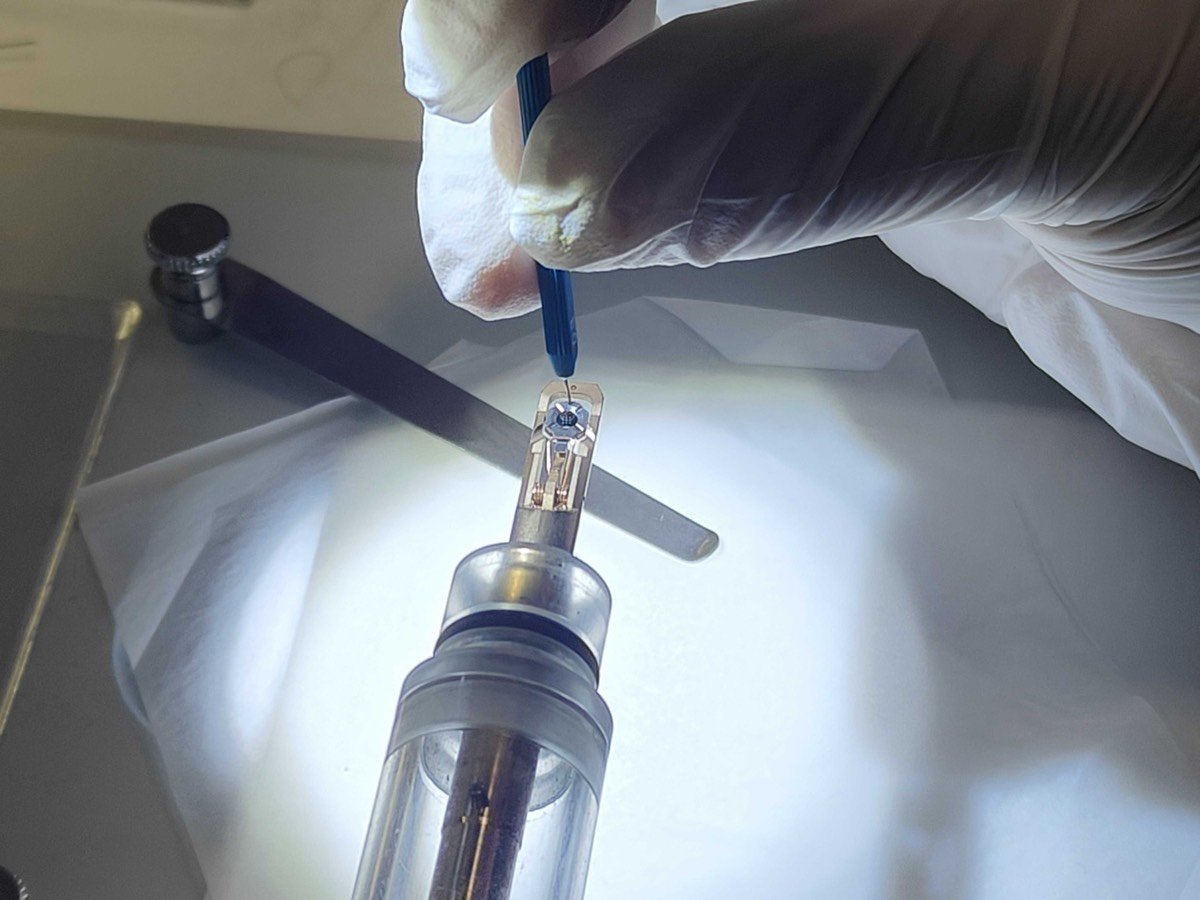
-
The three parts should all be disassembled and placed on the bottom:
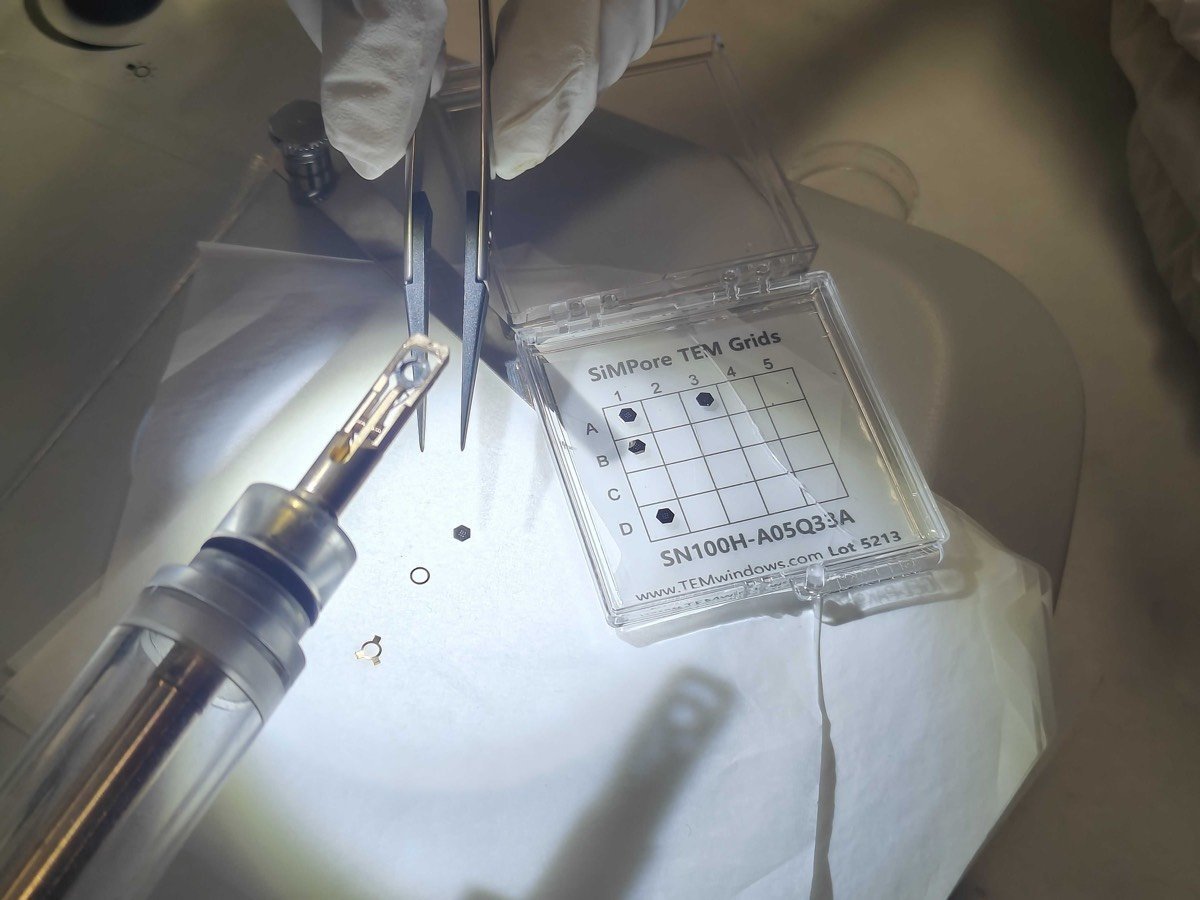
Tomography holder
Unload sample
-
The sample grid is held between the two “arms” of the metal strips.
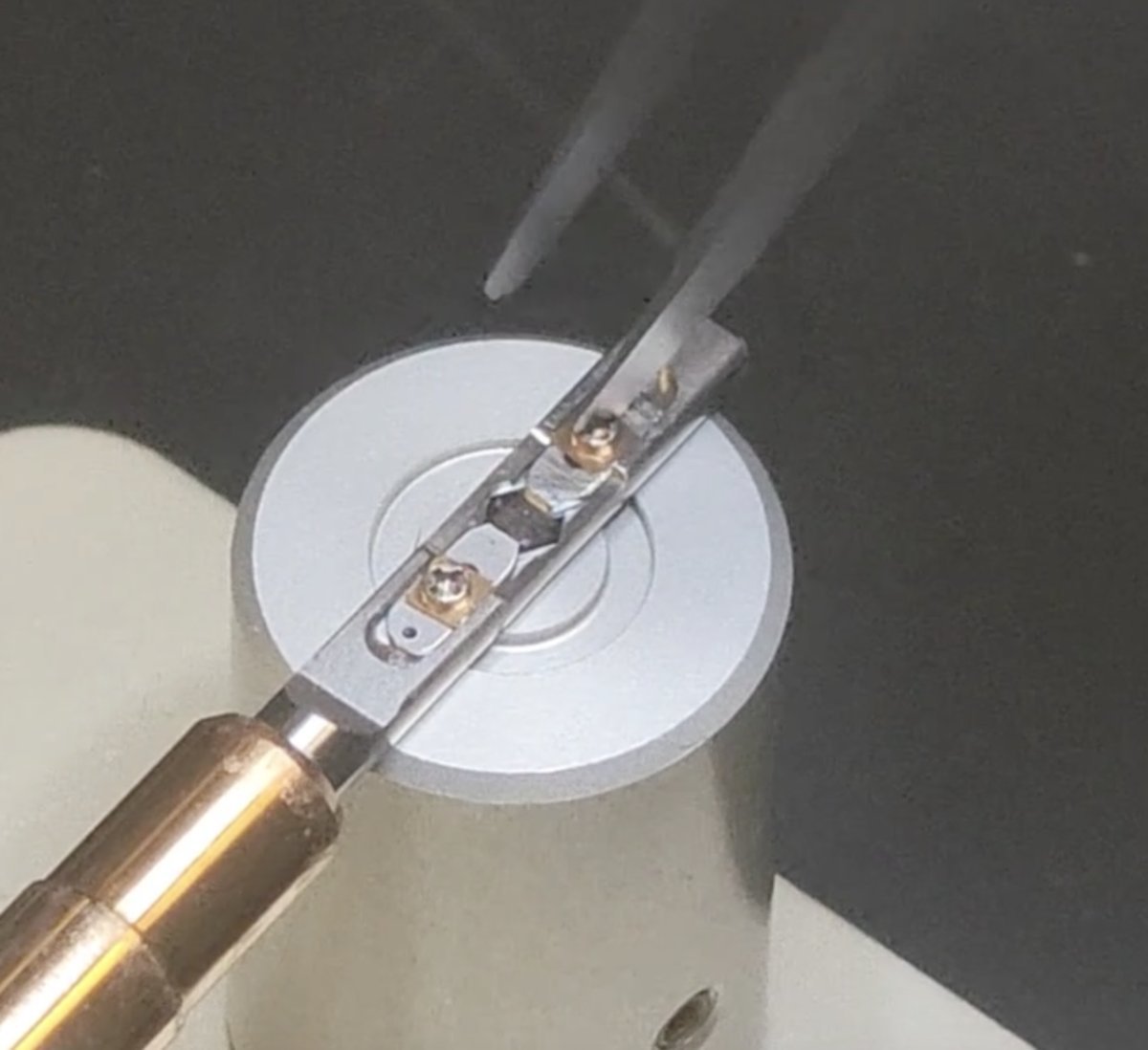
-
Rotate the screw counterclockwise about 90 degrees. Repeat for the other “arm”.
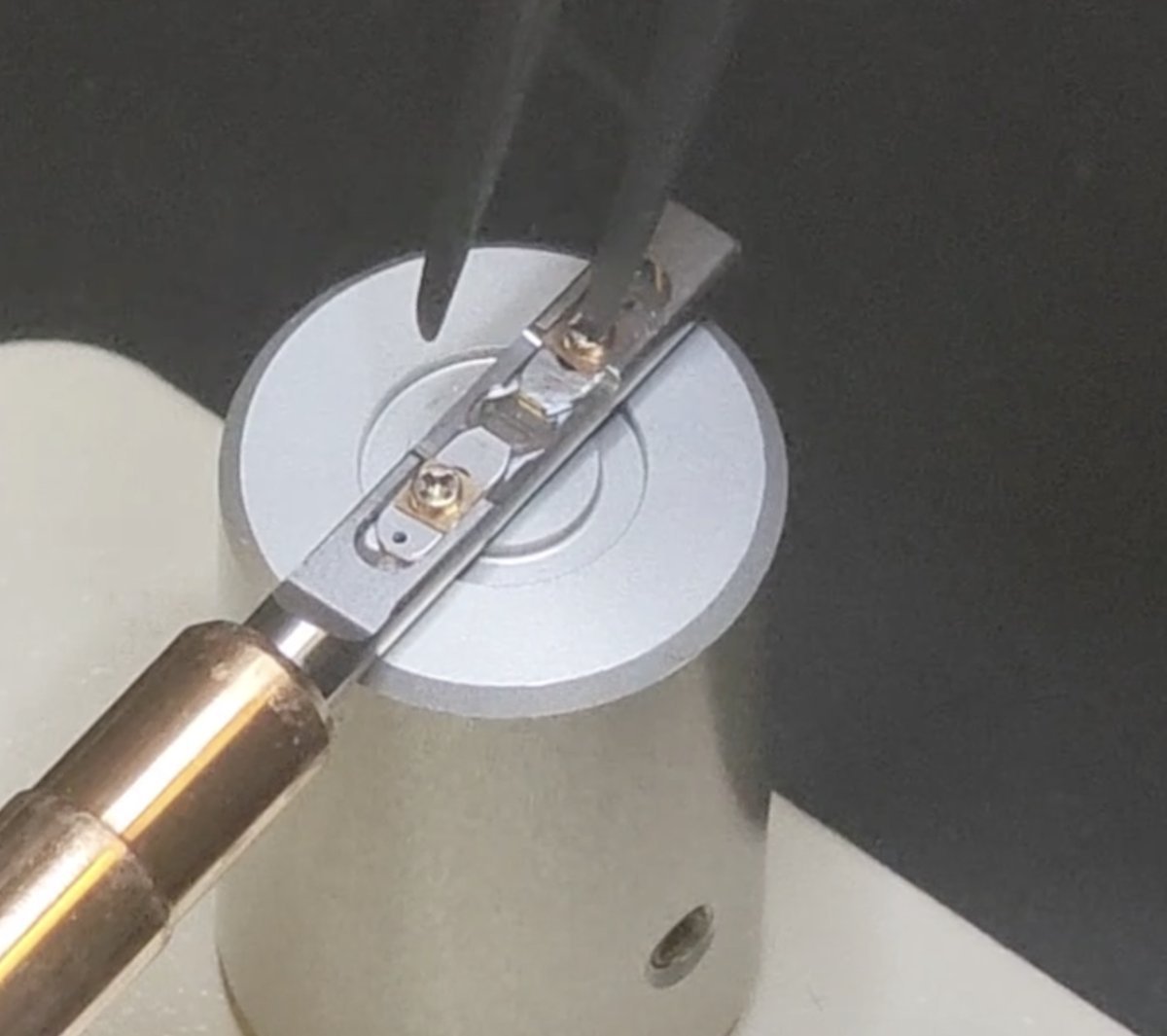
-
Move the two strips away from each other to free the sample
From:
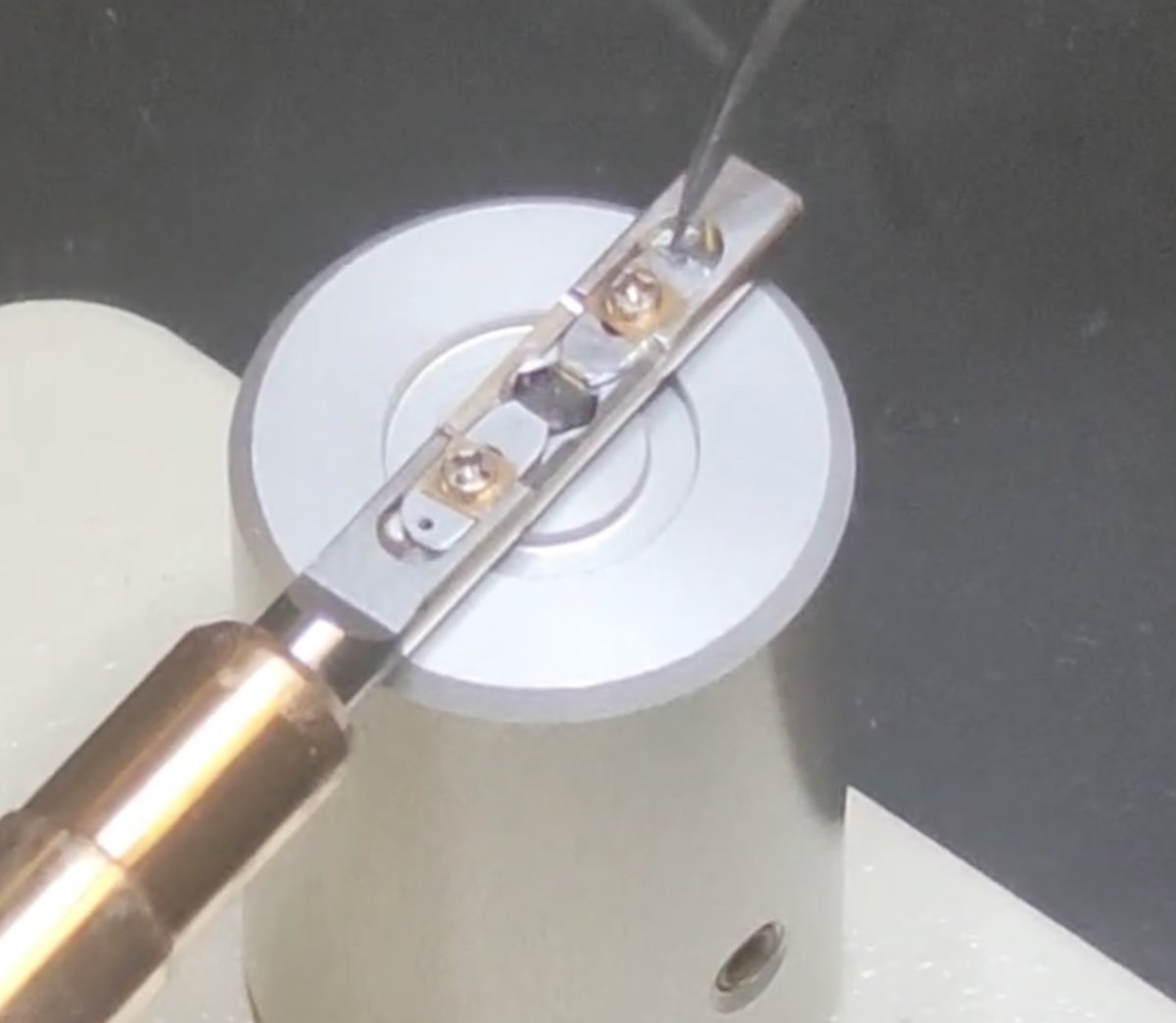
To:
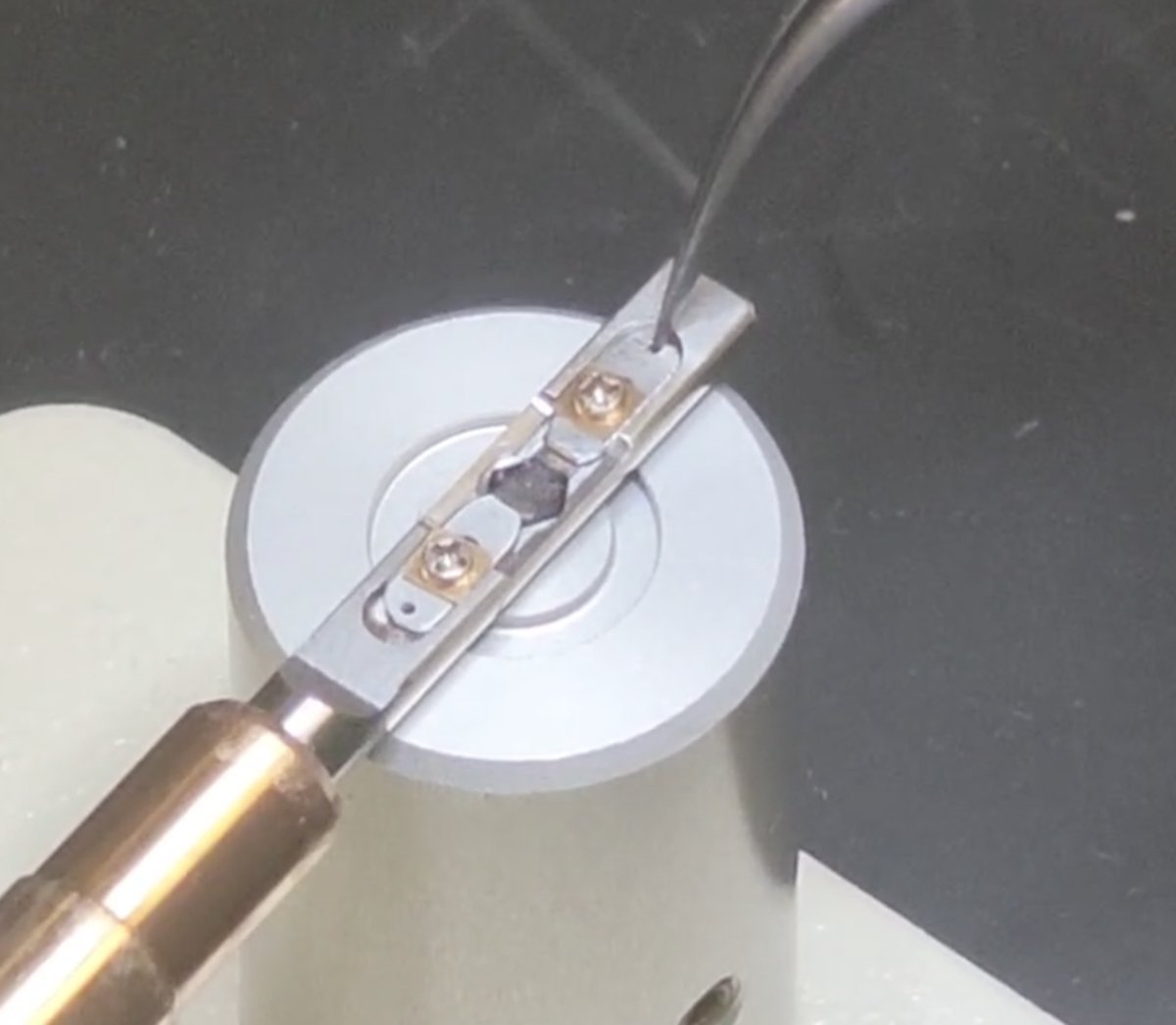
-
Remove the sample
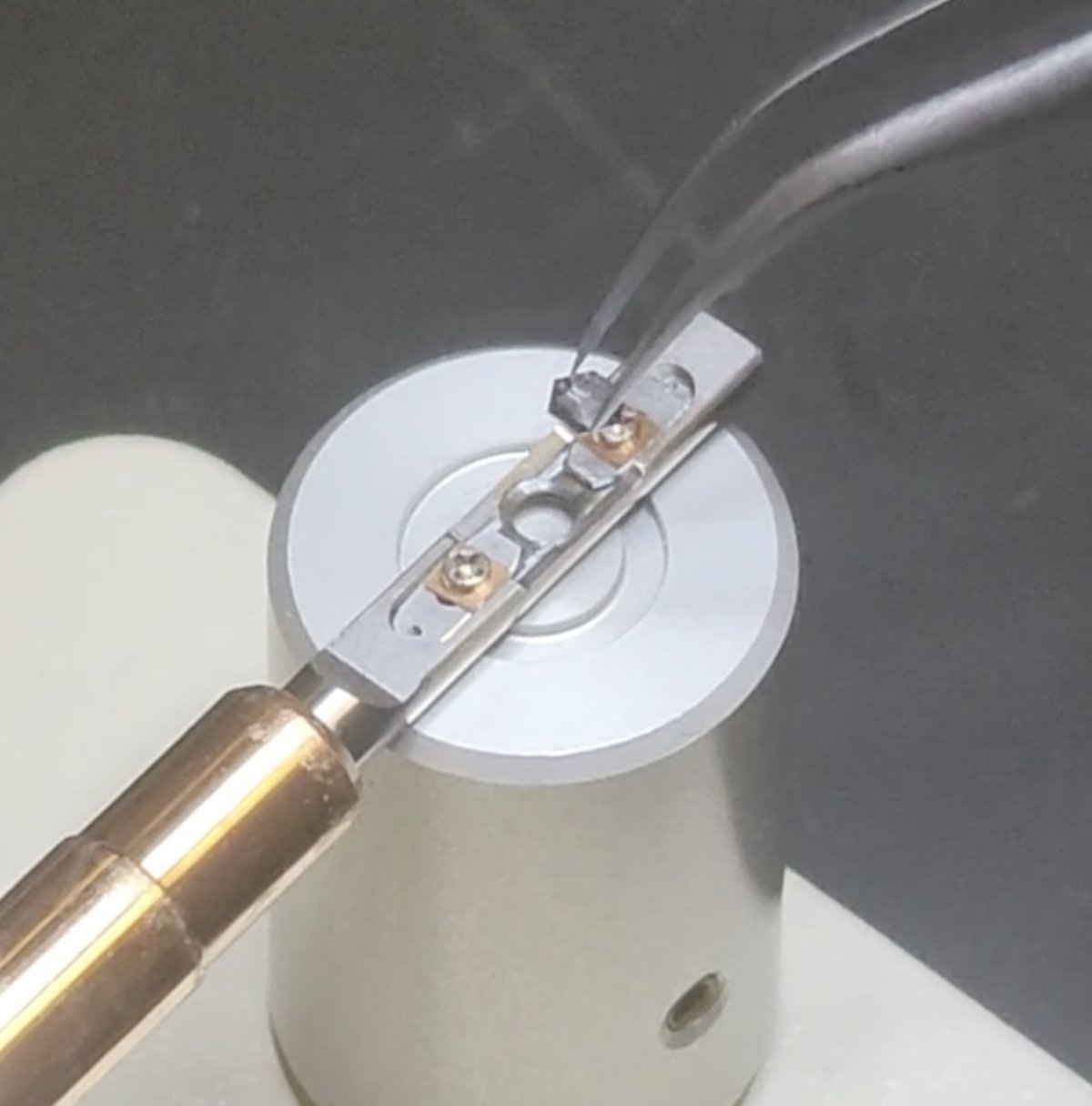
Load sample
Follow the process in reverse: load a new sample, pull the two strips closer together, and rotate the screws clockwise.
Changelog
- Dec 20, 2025 - Rnhance holder insersion process with visuals
- Dec 18, 2025 - Reorganize into Start/End session sections for use across all tutorials by @bobleesj
- Dec 17, 2025 - Add sample loading region by @bobleesj
- Dec 15, 2025 - Add tomography holder section by @bobleesj, with images taken by Guoliang Hu
- Dec 13, 2025 - Add single-tilt, double-tilt holder section by @bobleesj, with images taken by Guoliang Hu